

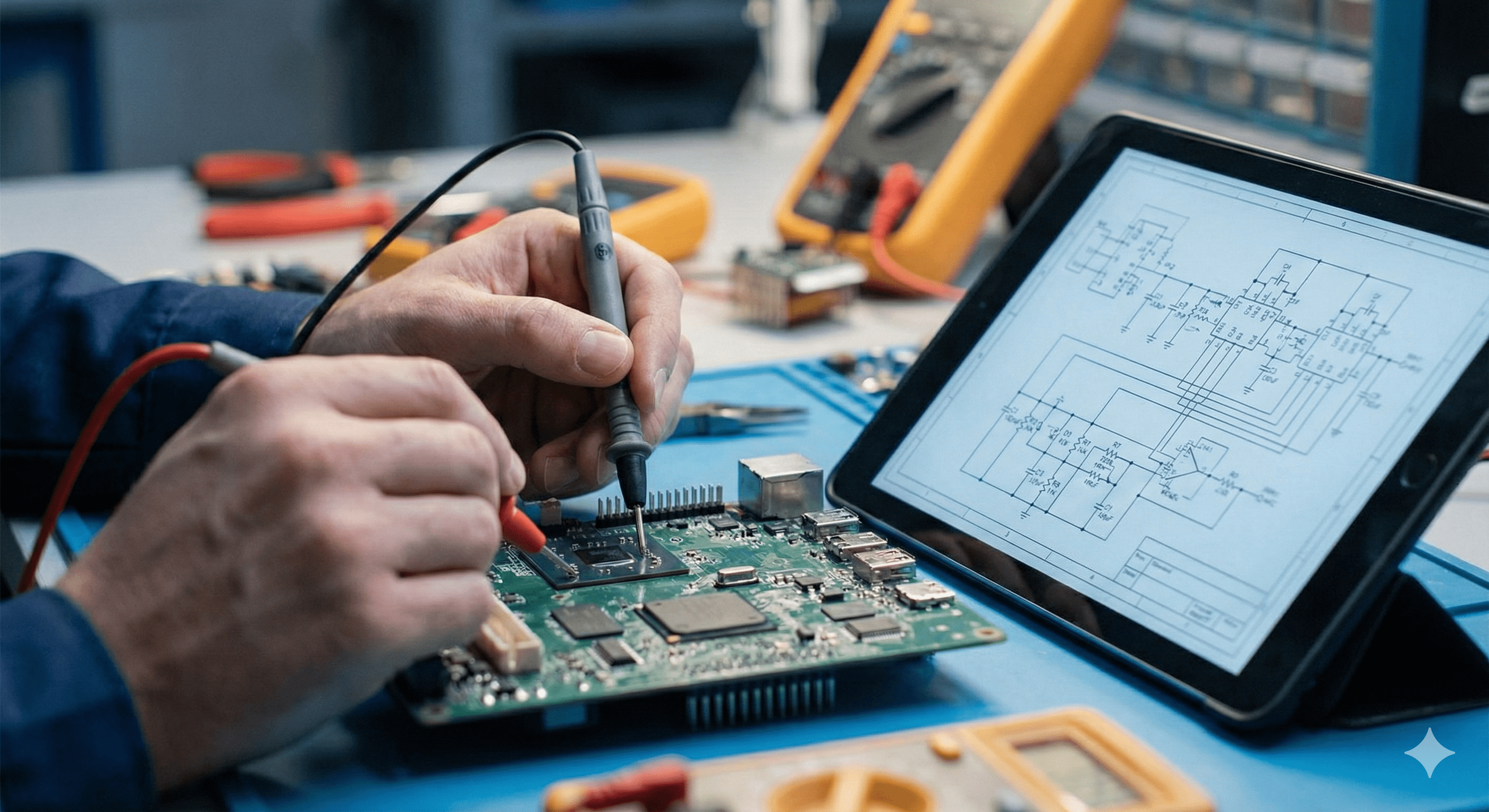
TECHNICAL SUPPORT
Reliable support that keeps your website, app, and systems running smoothly—fast responses, clear communication, and fixes that stick.
Published: · Reading time: ~5–7 minutes
What technical support covers
Technical support is ongoing maintenance and problem-solving for your live systems. The goal is simple: minimize downtime, reduce risk, and keep improvements shipping.
- Incident help: urgent bugs, errors, site down, broken pages, failed jobs.
- Maintenance: updates, dependency bumps, backups, security patches.
- Performance: slow pages, database bottlenecks, caching tuning.
- Integrations: third-party API issues, webhooks, email delivery, payments.
How we handle requests (simple and predictable)
Support works best when it’s structured. A typical workflow looks like this:
- Triage: confirm impact, reproduce, and set priority.
- Diagnose: isolate root cause (logs, monitoring, recent changes).
- Fix: implement the smallest safe change that resolves the issue.
- Verify: confirm in staging/production and add guardrails if needed.
- Report: summary of cause, fix, and prevention steps.
Priority levels (so nothing gets lost)
Critical
Service down, payments failing, major security issue, data loss risk.
High / Normal
Broken user flows, frequent errors, performance regressions, feature defects.
Low
Minor UI issues, copy changes, non-blocking improvements, cleanup tasks.
Planned
Upgrades, refactors, performance projects, monitoring improvements.
Prevent problems before they happen
Support isn’t only reacting. The biggest ROI often comes from reducing the number of incidents over time.
- Security patching and dependency updates
- Automated backups and restore checks
- Error monitoring and alerting
- Performance baselines and regression tracking
What we need from you (to resolve faster)
- Steps to reproduce (or affected URLs/screens)
- Any screenshots or error messages
- Time it started and how many users are affected
- Access info (if applicable): staging/production, logs, third-party dashboards